alfi — apps for humansGet Started

Everything, joined up.

Rosters in one place, billing in another, files in a third, and the numbers in a spreadsheet nobody trusts. We connect what you have — and replace only the bits that never fit.

What We Offer

Custom apps — illustration

01

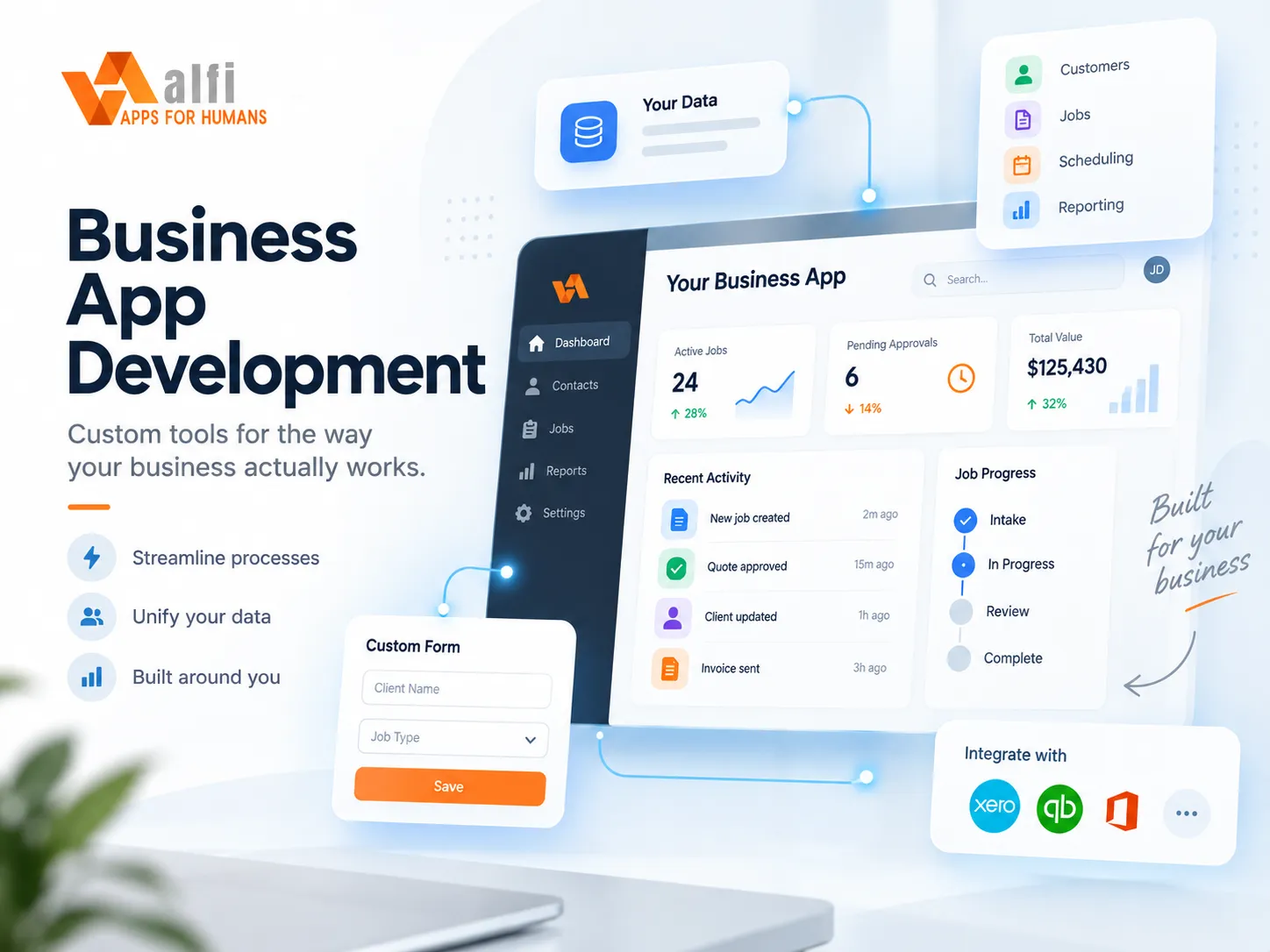
Custom apps

Web and mobile apps built around the way your team actually works — not the other way round.

Off-the-shelf software makes you change how you work to suit it. We do the opposite: we watch how your team already gets things done, then build the smallest app that makes that easier.

Phone-first when your people are on the road, desktop-first when they’re at a desk, and usable on a 360px screen with big tap targets either way.

  • Progressive web apps that install like native
  • Offline-tolerant forms and notes
  • Role-based access that matches your org chart
  • Audit trails by default
Website development — illustration

02

Website development

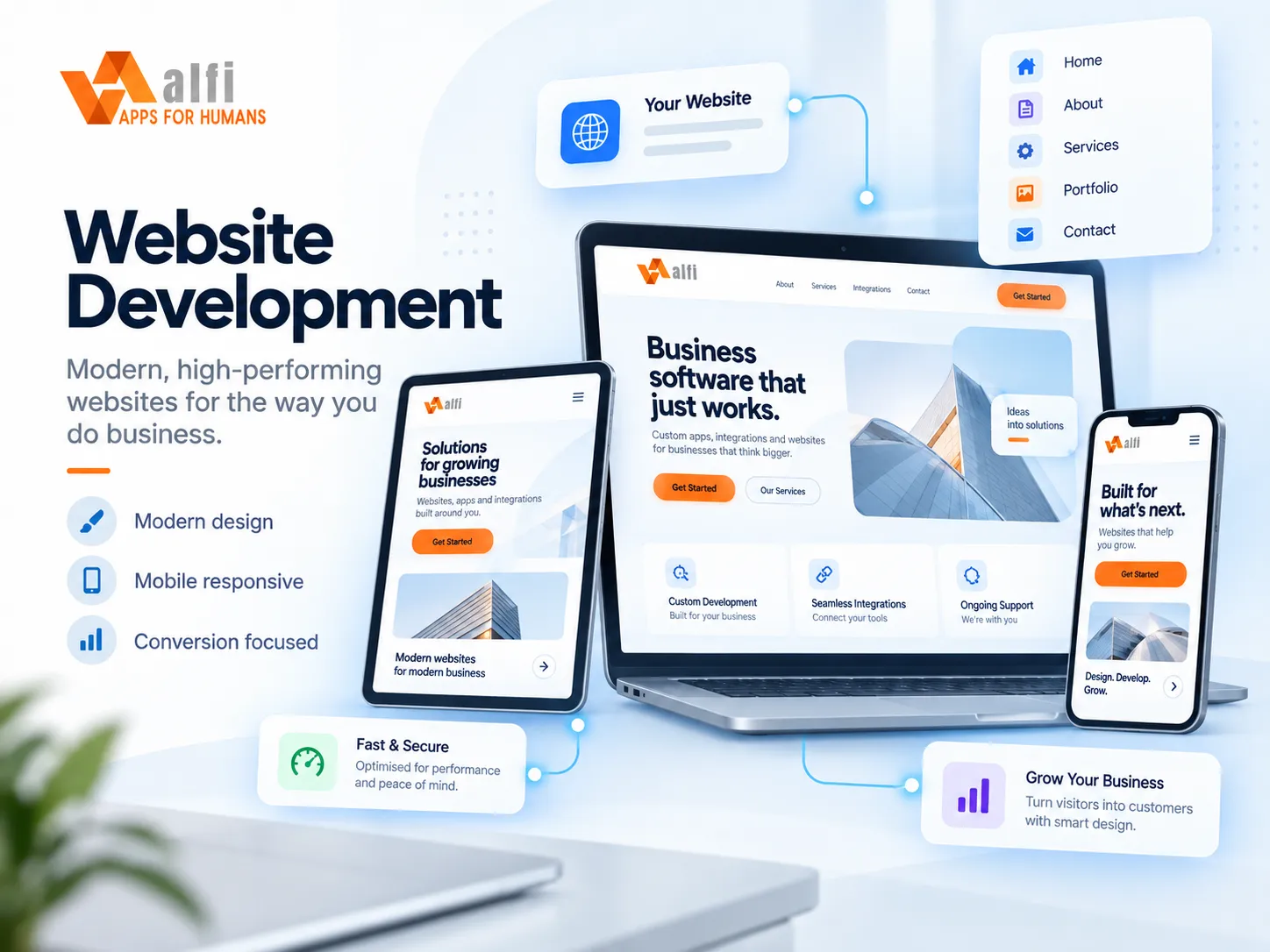
Fast, findable sites that do real work — forms into your systems, e-commerce, and a backend when you need one.

Most business websites are a brochure with a contact form bolted on. Ours are built to be found and to do a job: pages that load instantly, rank for the searches your customers actually type, and post enquiries straight into the tools you already run instead of a shared inbox nobody watches.

When the site needs to do more — sell, take bookings, let clients log in — we add a proper backend: a database with row-level security, payments, and an admin your team can use without calling us. Same stack, same people, no hand-off to a second agency.

  • Static-first builds that load in under a second
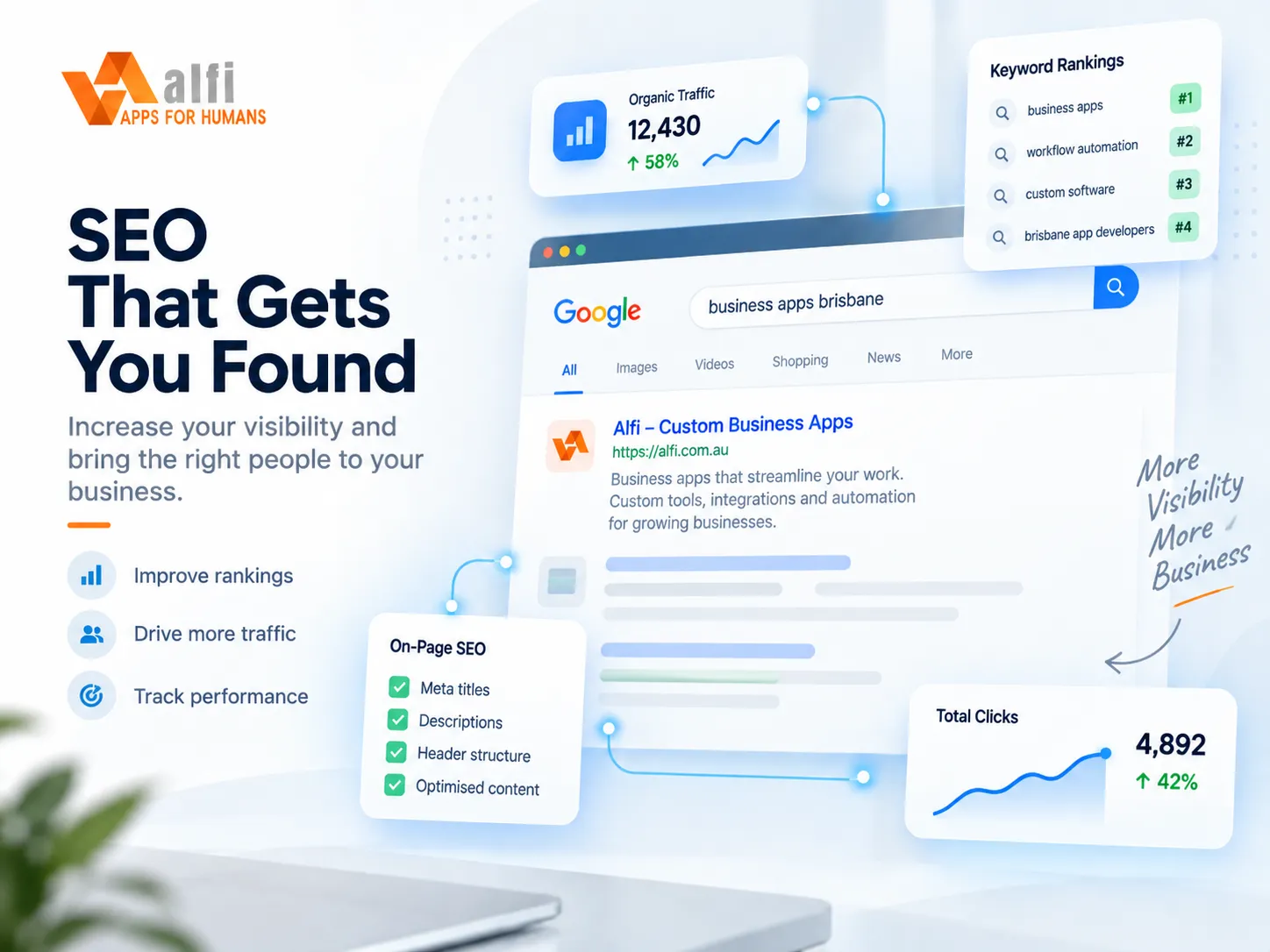
  • Technical SEO: structured data, sitemaps, redirects, Core Web Vitals
  • E-commerce with Shopify, WooCommerce or a custom checkout via Stripe
  • Client portals and logins backed by Postgres (Supabase)
  • Forms and bookings that land in your accounting software, CRM or Microsoft 365
  • Australian hosting, automatic deploys, no plugin sprawl to maintain
Microsoft 365 & SharePoint — illustration

03

Microsoft 365 & SharePoint

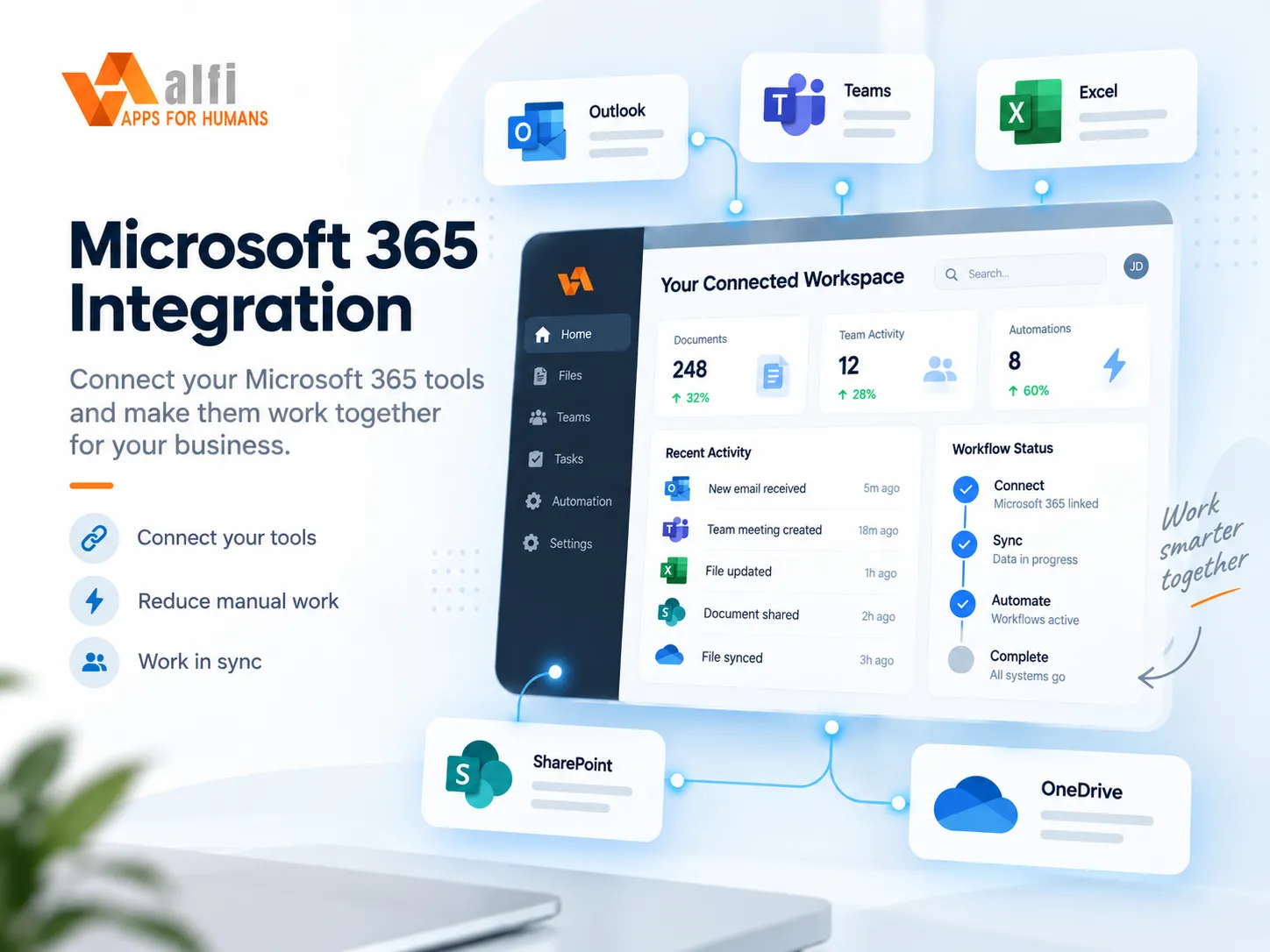
Sign-in with your existing accounts. Documents, lists and Teams wired into the app, not bolted on.

Most small businesses already live in Microsoft 365. We build on that: staff sign in with the account they already have, files stay in SharePoint, and notifications land in Teams.

Access follows your existing security groups, so adding or removing someone is done once, in the place you already manage it.

  • Entra ID single sign-on
  • Graph API for mail, calendar, files
  • SharePoint lists and document libraries
  • Teams channel posting
Accounting & billing automation — illustration

04

Accounting & billing automation

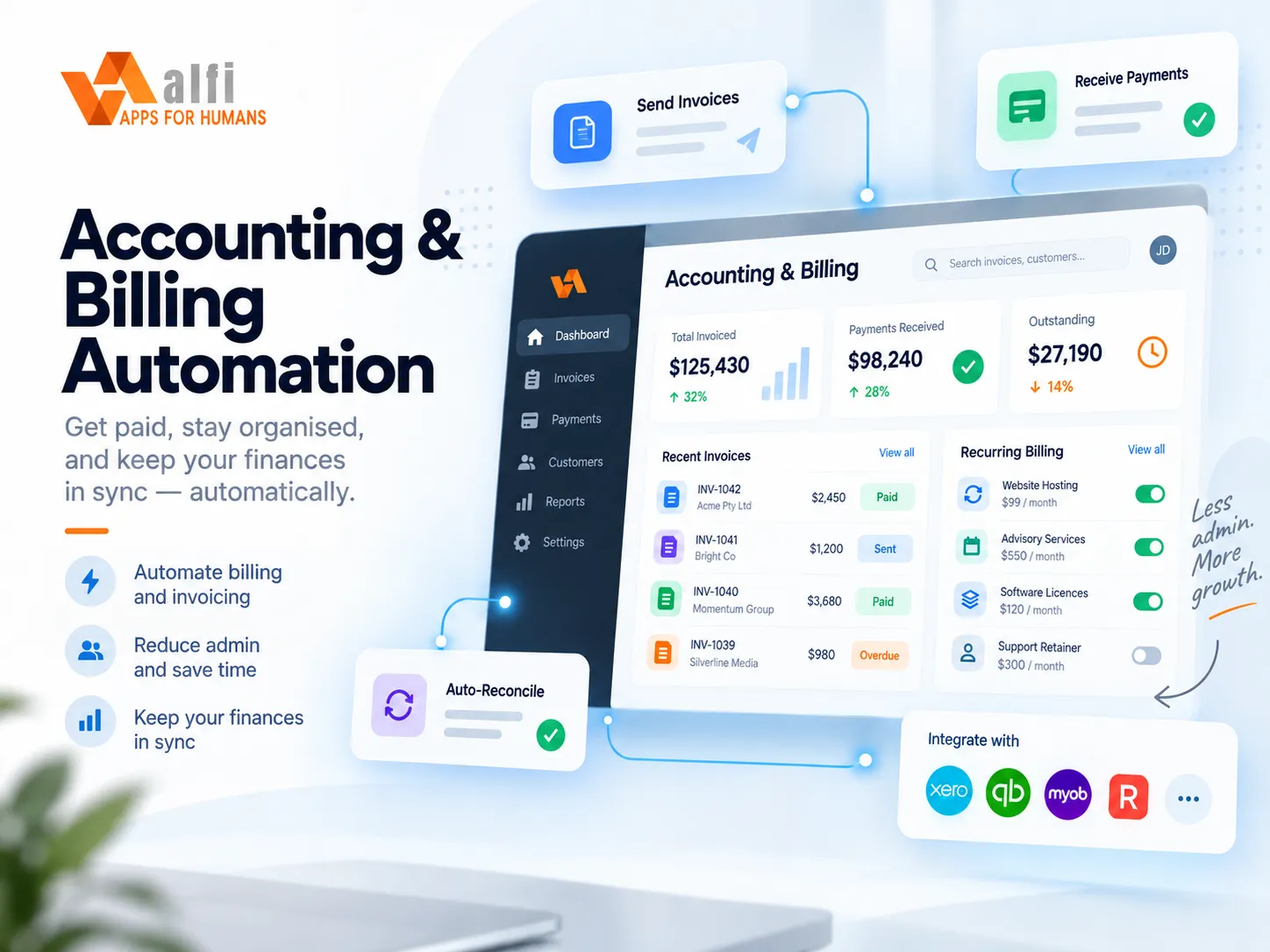
Invoices, claims and reconciliation that flow between your systems without re-keying.

Re-keying the same numbers into practice software, a claims portal and your accounting software is where hours and errors go. We connect the systems so data is entered once and checked automatically.

Every automated step is reviewable: batches are drafts until a person approves them, and nothing money-related happens without a trail.

  • Accounting software integration
  • Claim batching and submission
  • Bank-feed reconciliation
  • Approval gates on anything that moves money
Reports & dashboards — illustration

05

Reports & dashboards

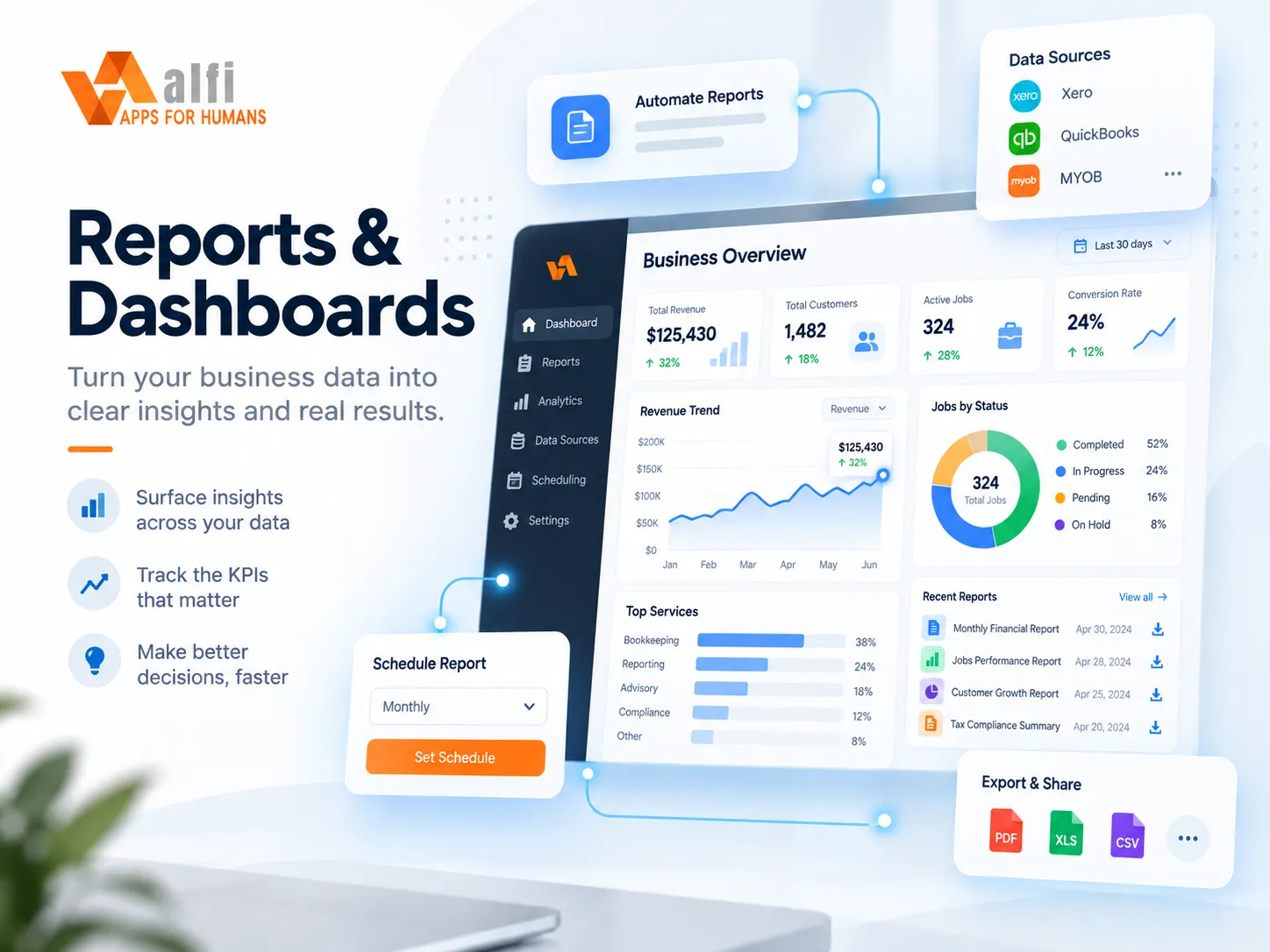
The numbers you actually watch, pulled nightly from your systems and always traceable to their source.

Owners and directors shouldn’t need a spreadsheet wizard to answer “how did last month go?”. We build reporting on a nightly warehouse of your operational data — jobs, appointments, invoices, payroll — so the answer is one dashboard, not three exports and a pivot table.

Every figure links back to where it came from. When a number looks wrong you can see why in seconds, and when it’s right you can trust it in front of the bank or the board.

  • Nightly data warehouse from your operational systems
  • Dashboards for the numbers you actually watch
  • Every figure traceable to its source
  • Scheduled reports by email or Teams
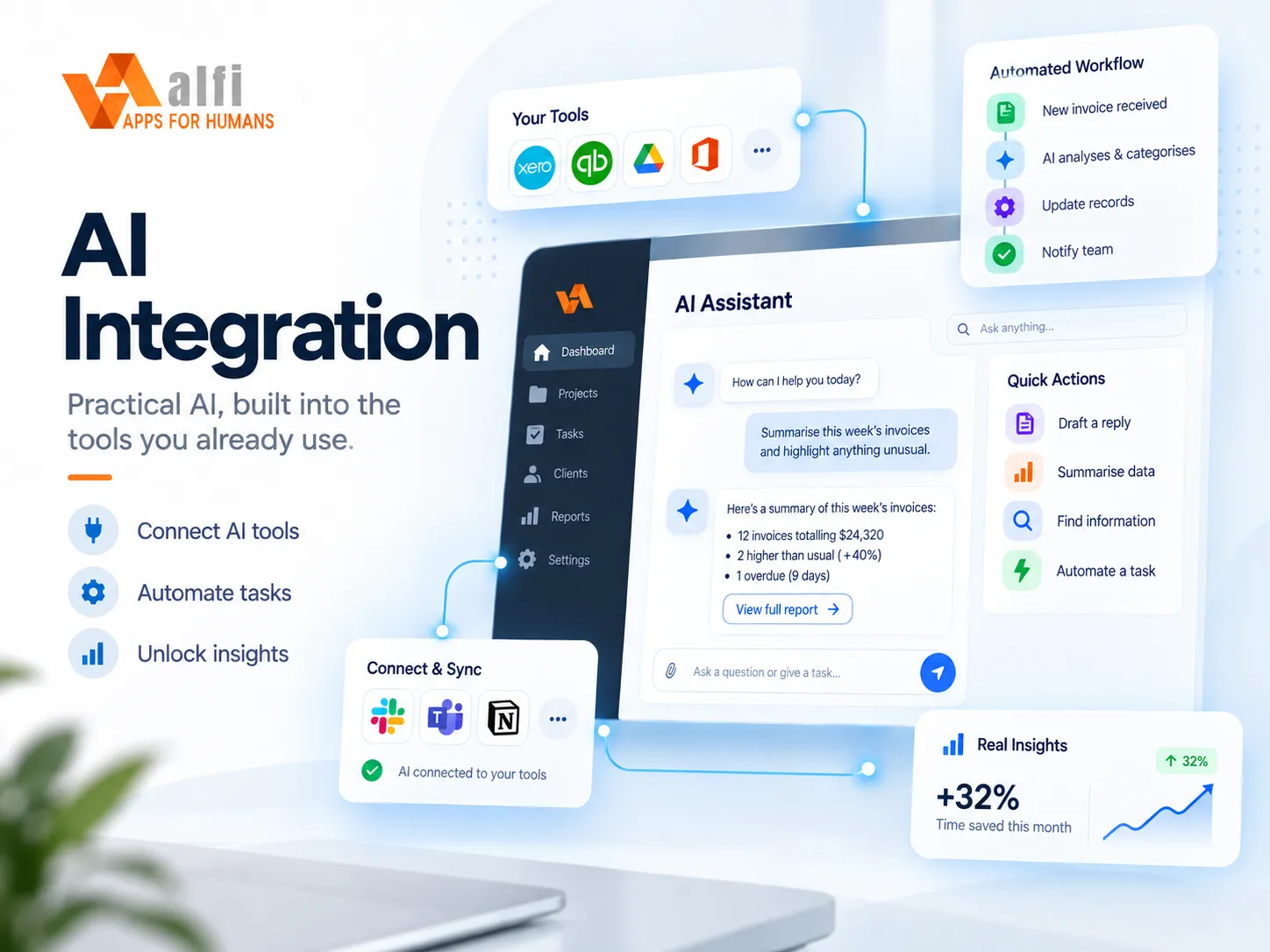
AI integration — illustration

06

AI integration

Put AI to work inside the workflows you already have — drafting, sorting, extracting, answering — with guardrails you control.

Most businesses don’t need “an AI strategy”. They need the paperwork to do itself: the referral email read and filed, the PDF turned into a record, the shift note dictated and tidied, the “how did last month go?” question answered from your own data with the source shown. That’s where we start — the repetitive, judgement-light tasks that eat your team’s afternoons.

We fit AI into your existing tools rather than adding another app to check: inside Outlook and Teams, on the form your staff already fill in, behind the button they already press. It can also earn its keep in design and planning — turning a conversation into a first-draft mockup, a policy document into a checklist, or a backlog into a plan you can react to.

And we build it carefully. Read-only by default, an approval step before anything is sent or changed, a spend cap so there are no surprise bills, and data staying in Australia unless you say otherwise. You choose the model; we make it behave.

  • Reading, classifying and filing email, PDFs and forms
  • Dictation and voice notes into clean, structured records
  • Ask-a-question assistants over your own data, with cited sources
  • Drafting: quotes, replies, reports, policies — in your voice
  • AI in the design process: mockups, checklists and plans from conversations
  • Guardrails: approval gates, read-only access, spend caps, Australian hosting
Marketing that measures — illustration

07

Marketing that measures

Know where leads come from and what they do next: heat maps, campaigns, lead capture and the numbers behind them.

Marketing spend is easy to waste when you can’t see what happened after the click. We wire up the measurement first — where visitors came from, what they read, where they hesitated, where they left — so every decision after that is made on evidence rather than a hunch.

Then we build the machinery: landing pages that load fast and convert, forms that drop straight into your CRM with the source attached, email campaigns and automated follow-up sequences, and a Google Business Profile that actually brings in local searches. Heat maps and session recordings show you the page through your customer’s eyes; A/B tests settle the arguments.

All of it reports into one place, next to your sales and operations numbers, so you can see which campaign paid for itself and which one just looked busy.

  • Heat maps and session recordings (Microsoft Clarity, Hotjar)
  • Analytics and search: GA4, Search Console, local SEO, Google Business Profile
  • Lead capture: landing pages, forms into your CRM, source tracking and lead scoring
  • Email campaigns and automated sequences (Mailchimp, Campaign Monitor, Klaviyo)
  • A/B testing and conversion tuning
  • One marketing dashboard beside your sales and ops numbers

Already running accounting software, Microsoft 365, PracSuite or something else?

See the full list of systems we connect to.

Browse integrations

Not sure which of these you need?

Most projects touch two or three. Tell us the problem and we’ll suggest the smallest thing that fixes it.

Get Started